
Samsung · Washer
nD DIY First Samsung Washer nD — No Drain Error
The cycle stops early and water stays in the drum.
Updated October 2026
What does Samsung nD mean?
The washer could not drain the water. Equivalent to LG's OE code — the water level sensor did not detect an empty drum within the drain time limit.
What causes Samsung nD?
- Clogged debris filter (coins, lint, socks)
- Kinked or obstructed drain hose
- Drain hose too high — standpipe height above 96 inches
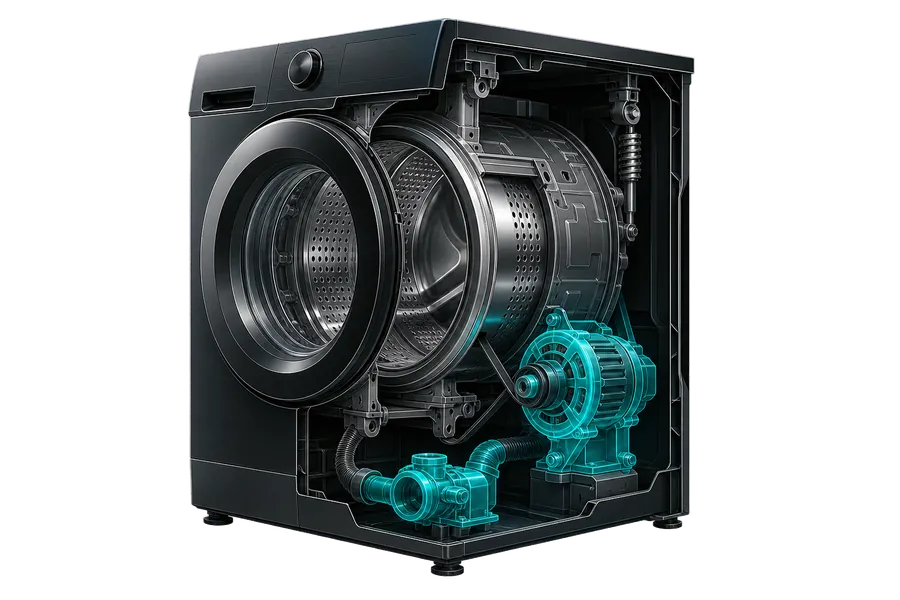
- Failed drain pump
How a technician tells the causes apart
- Pull the filter cap at the lower-front service panel with a towel underneath and watch what comes out with the standing water — visible lint, a coin, or fabric confirms a clogged filter as the cause before you touch anything else.
- Disconnect the drain hose at the standpipe and run water through it by hand from the washer end: water that backs up or trickles instead of flowing freely means the hose itself is kinked or blocked somewhere in its run.
- Measure the standpipe height from the floor to where the hose enters it and compare it with the range in your model's installation manual (18 to 96 inches on a WF42H5500 front-loader, for example); a standpipe outside the range can cause drain errors even with clear plumbing.
- With the filter clean and the hose confirmed clear, run a Drain-only or Spin cycle: a completed cycle means the blockage is gone, while an immediate nD return shifts suspicion to the pump itself.
- Reach through the filter housing with the machine unplugged and check whether the drain pump's impeller turns freely by hand — one that's gritty, notched, or won't turn points to a jam or a seized bearing.
- If the impeller spins freely by hand but the tub still won't clear, unplug the washer and set a multimeter to resistance across the drain pump's two motor leads: a dead short or an infinite reading rules out the impeller and confirms the motor windings themselves are what failed.
If the checks point to the pump itself (a seized impeller, or motor windings that read dead), order a replacement drain pump specific to your exact model, not just a generic 'Samsung front-load pump.' The model and serial label sits around the front door opening on most front-load Samsung washers; if it's not on the door frame, check the label on the back panel, which is where Samsung places it on some top-load and older models.
How to fix Samsung nD yourself
- 1 Find the debris filter behind the lower-front service panel. Lay a towel, slowly open the cap, drain water.
- 2 Remove and rinse the filter — remove any foreign objects.
- 3 Inspect the drain hose for kinks and check the standpipe height against your model's installation manual: Samsung gives the range per model (for example, 18 to 96 inches for the WF42H5500 front-loader and 39 to 96 inches for the WA48H7400 top-loader).
- 4 Run a Spin/Drain-only cycle to test.